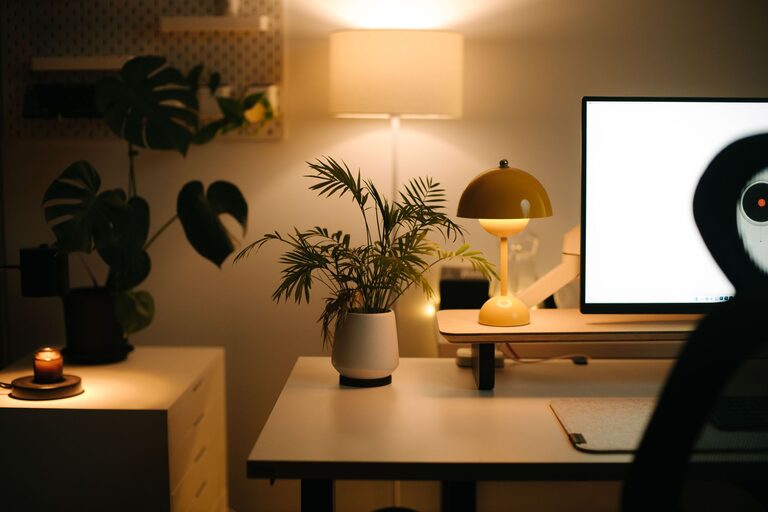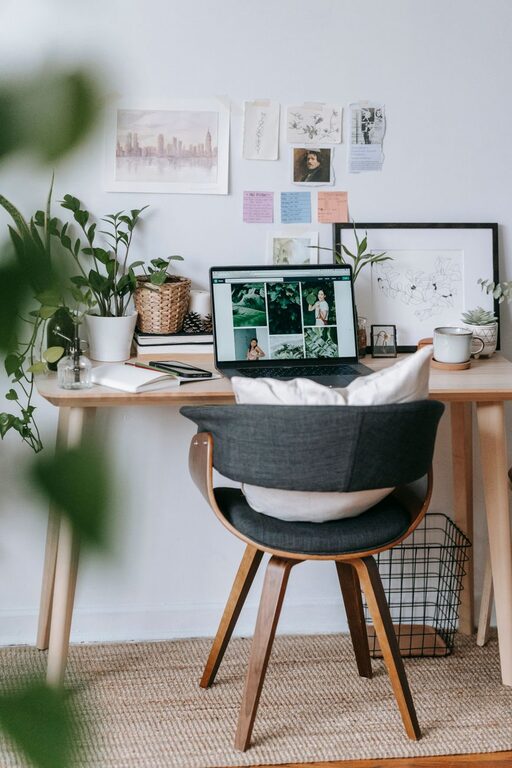

Creating a cozy and productive home workspace is essential for anyone working remotely or spending significant time at home on projects. A well-designed workspace can improve focus, reduce stress, and make your workday more enjoyable. Here are some practical tips to help you build a home office that balances comfort and efficiency.
Choose the Right Spot
Selecting the perfect location for your workspace is the first step. Ideally, this should be a quiet area with minimal distractions.
– Natural Light: Try to find a spot near a window. Natural light improves mood and alertness.
– Privacy: A space away from high-traffic areas reduces interruptions.
– Ventilation: Good airflow makes the area comfortable during long work sessions.
If you don’t have a dedicated room, partitioning a corner of a living room or bedroom with bookshelves or screens can create a sense of separation.
Invest in Comfortable Furniture
Comfort is key to staying productive and avoiding fatigue.
– Ergonomic Chair: Choose a chair with good lumbar support and adjustable height to keep your posture healthy.
– Appropriate Desk: Your desk should allow enough space for your monitor, keyboard, and workspace essentials without feeling cramped.
– Adjustable Desk Options: Standing desks or convertible options allow switching between sitting and standing, which can improve circulation and reduce discomfort.
Optimize Lighting
Besides natural light, proper artificial lighting helps reduce eye strain.
– Task Lighting: Use desk lamps with adjustable brightness to illuminate your work area precisely.
– Ambient Lighting: Avoid harsh overhead lights; soft, warm bulbs create a cozy atmosphere.
– Screen Position: Position your computer screen to avoid glare from windows and lamps.
Organize and Declutter
A tidy workspace can help clear your mind and increase efficiency.
– Storage Solutions: Use shelves, drawers, and organizers to keep supplies in order.
– Cable Management: Keep cords tidy with clips or cable organizers to maintain a clean appearance.
– Minimal Essentials: Keep only what you need daily on your desk to reduce clutter.
Add Personal Touches
Personalizing your workspace makes it inviting and comfortable.
– Plants: Adding greenery can improve air quality and create a calming environment.
– Artwork or Photos: Small pieces you enjoy can boost your mood without distracting.
– Textiles: Soft rugs or cushions add warmth and comfort.
Establish a Routine and Boundaries
Creating structure encourages productivity even when working at home.
– Set Working Hours: Define when your workday begins and ends to maintain balance.
– Breaks and Movement: Schedule regular breaks to stretch and refresh your focus.
– Separate Work and Leisure: Avoid using your workspace for non-work activities to keep it mentally associated with productivity.
Use Technology Wisely
Choosing the right tools helps maintain workflow and reduce frustrations.
– Reliable Internet: A strong connection prevents interruptions during video calls or online tasks.
– Noise-Cancelling Headphones: Useful to block out household noise.
– Productivity Apps: Use task lists, calendars, or time-tracking tools to stay organized.
Maintain Your Space
Regular upkeep keeps your workspace inviting and functional.
– Daily Tidying: Spend a few minutes at the end of each day straightening your desk.
– Weekly Cleaning: Dust and clean electronics to prolong their lifespan.
– Reevaluate Setup: Periodically assess your space and make changes as your work habits evolve.
—
By focusing on comfort, organization, and thoughtful design, you can create a home workspace that nurtures both productivity and relaxation. Remember, small adjustments can make a significant difference in how you feel and perform throughout your workday. Take time to craft a space that fits your needs and preferences—it’s an investment in your well-being and success.